Connections View
Everything two addresses or entities exchanged directly, for one asset over a period you choose.
Open it by clicking a connection line on a connection based graph, or with Connections in the transaction view.
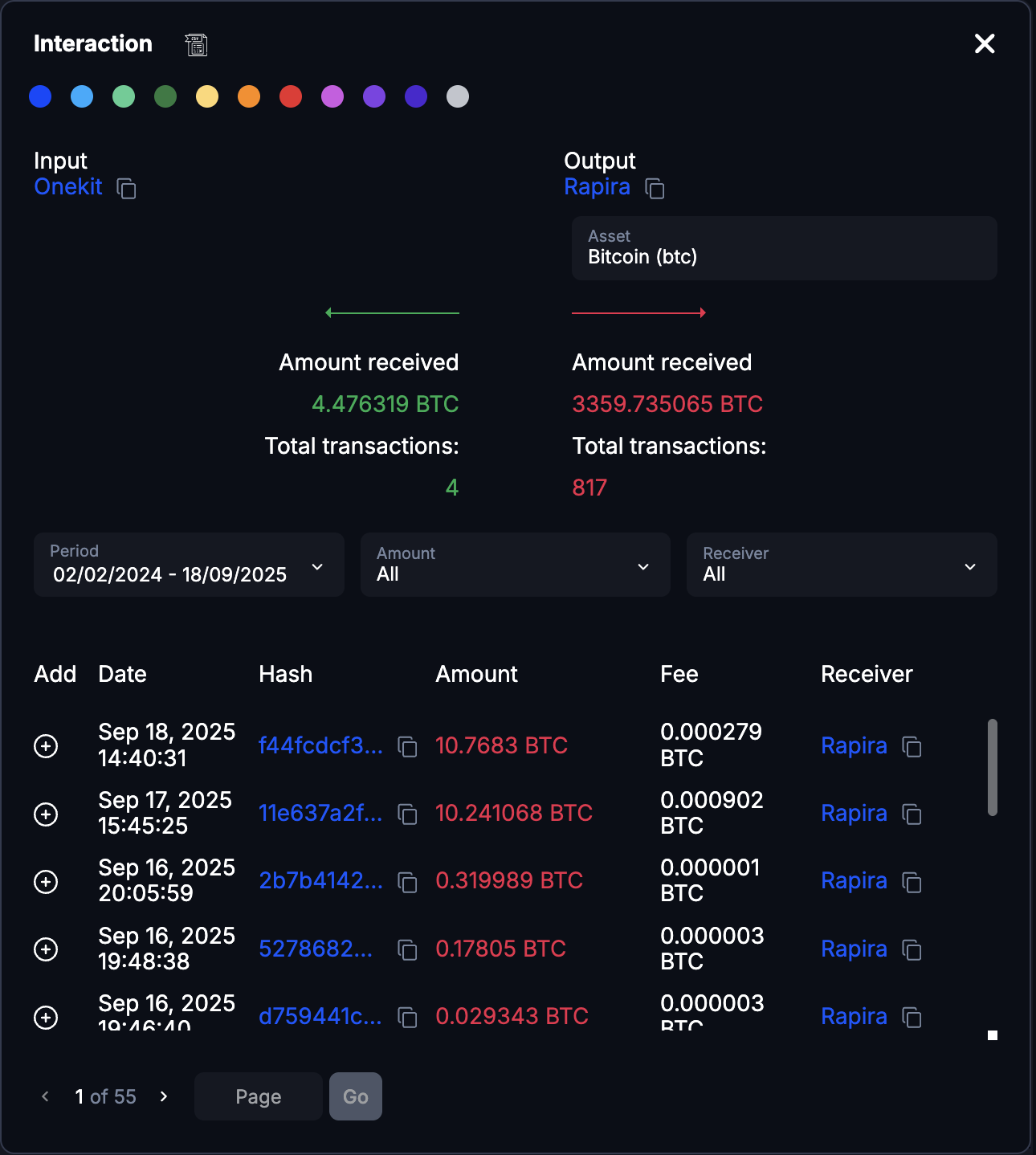
What it shows
- The two objects, named at the top so there is no doubt which pair you are looking at.
- Asset: pick which asset to examine.
- Date range: narrow to a period.
- Totals sent and received between them, within the range.
- Transaction list: hash, date, amount and direction for each.
- Export to CSV.
Addresses and hashes can be copied with one click.
CSV export is capped at the first 1000 transactions. On a busy pair, narrow the date range before exporting rather than assuming the file is complete.
The same data, with more room
The Interactions page shows exactly this data as a full page instead of a side panel. Use it when a pair has enough activity that the panel becomes cramped.
Last updated on